によって書かれた RootRise Technologies Pvt. Ltd. on 2026-01-09
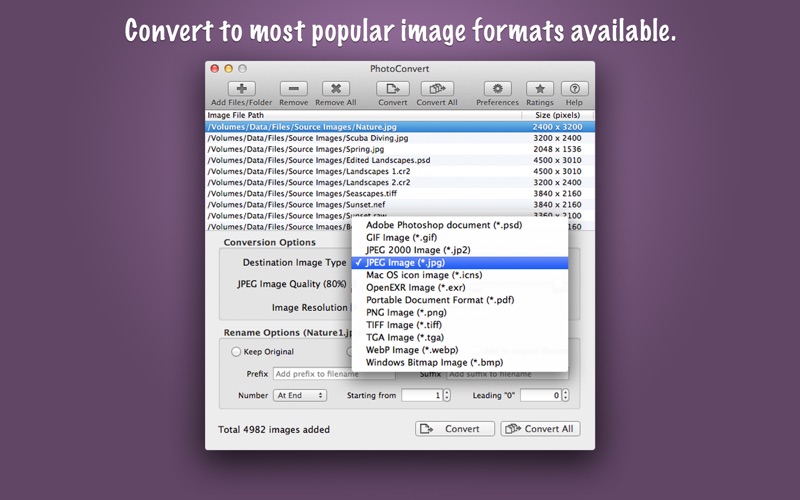
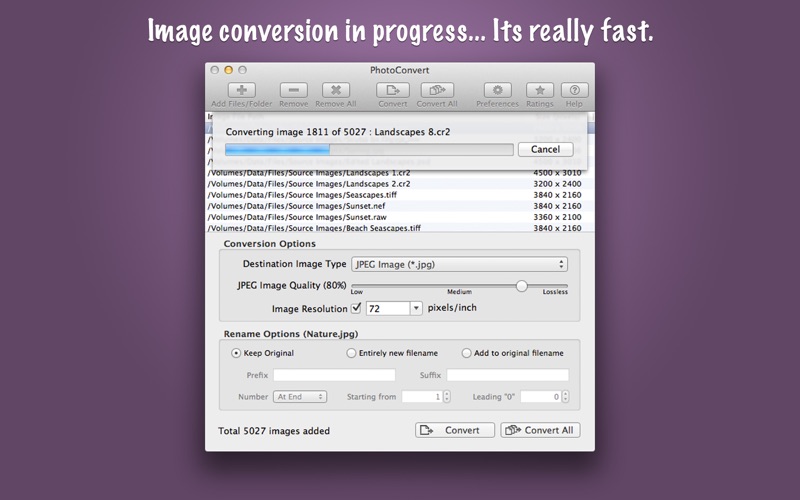
1. ◆ CONVERSION: Image format conversion from most of all supported source image types into JPEG, JPEG2000, PNG, TIFF, WebP, PDF, PSD, GIF, TGA, EXR, WebP and BMP.
2. ◆ Source image formats supported are JPEG, PNG, TIFF, WebP, BMP, JP2, GIF, PSD, ICNS, TGA, EXR, ICO, XBM, SGI, PNTG, and RAW image types (like .raw, .nef, .cr2 etc.) from most of all DSLR cameras are also supported.
3. It offers features like image format conversion between JPEG, JPEG2000, TIFF, PNG, GIF, BMP, WebP and more formats.
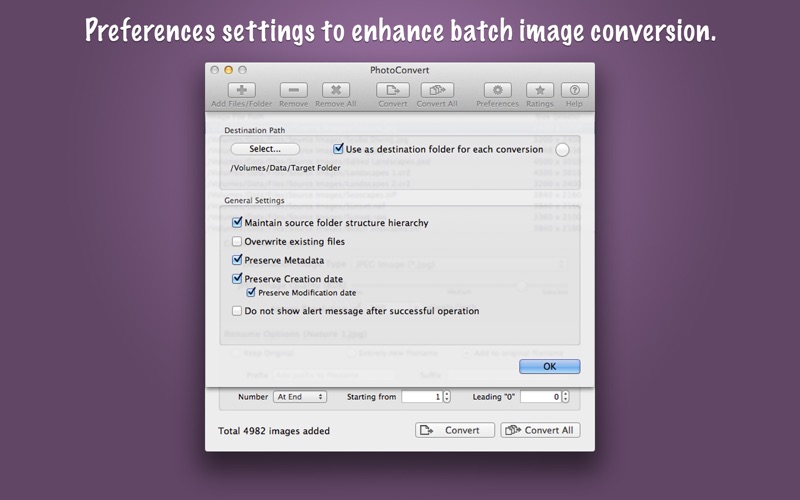
4. ◆ Preferences option preserve source image Creation and Modification date.
5. ◆ Preserves source image metadata properties like, EXIF, TIFF, GPS, RAW etc.
6. ◆ Direct drag and drop out selected items from file list into target folder in Finder to get your resized images.
7. In addition PhotoConvert preserves metadata properties (EXIF, RAW, TIFF, etc.), Creation and modification date and time.
8. ◆ Preferences option to maintain source folder structure hierarchy at destination.
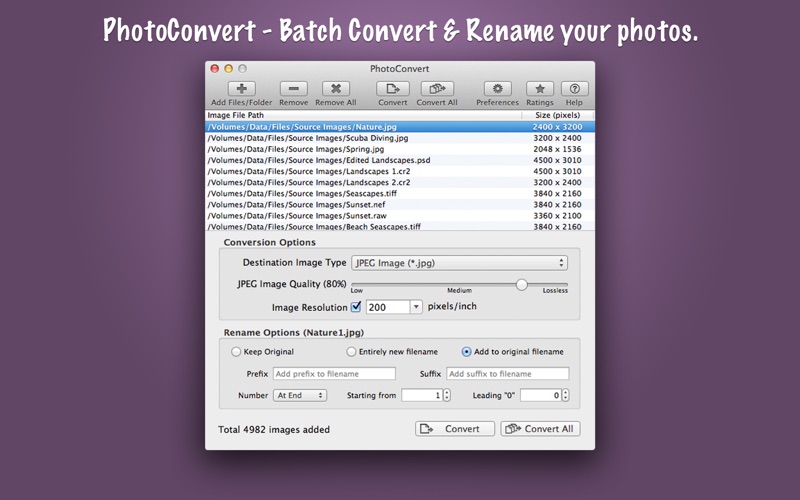
9. PhotoConvert is fantastic tool to convert and rename thousands of images and photos at lightning fast speed.
10. Lower the quality for higher image compression to get smaller file size.
11. Click on Image File Path or Size(Pixel) column header to sort respectively.
ダウンロードとインストール PhotoConvert - PC
PC 用ダウンロード - サーバー 1 --> PcMac Store