에 의해 작성된 Xiaolei Zhang on
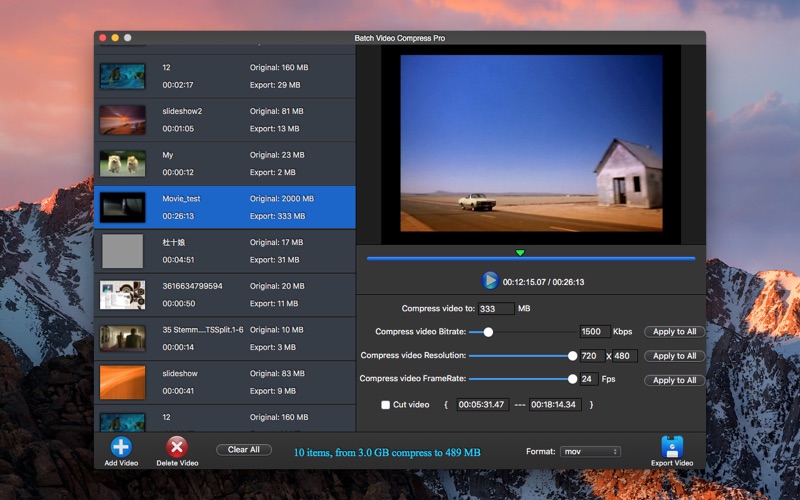
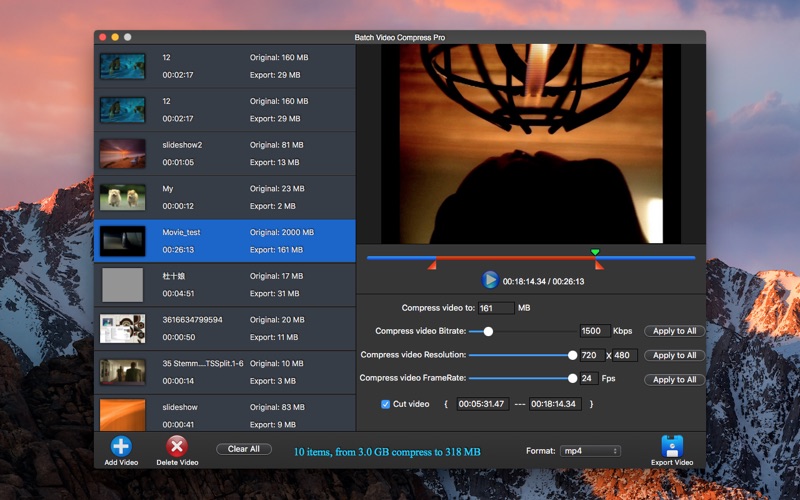

1. If you want to compress video very small, then reduce video’s resolution and frame rate can let your video image more clear.
2. Video files are compressed to 1/8, not need to reduce video’s resolution and Frame Rate .
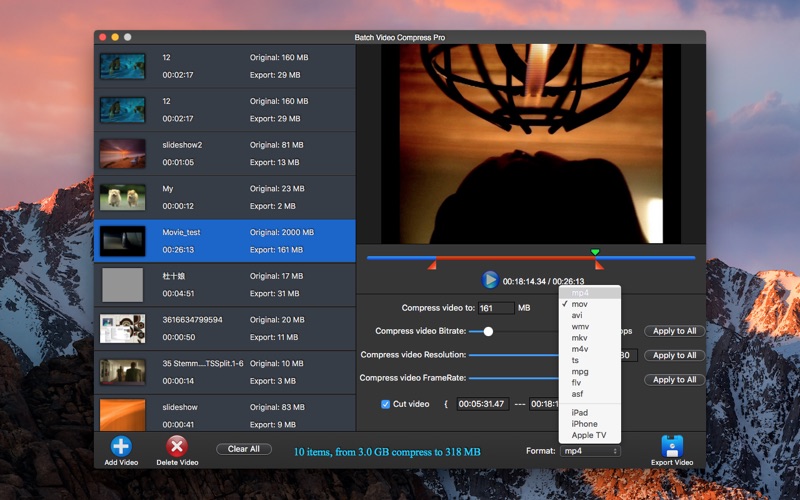
3. You can compress video files for your iPad, iPhone or your computer .
4. You can set the exported video size, the app will auto adjust the video's parameters to meet your needs .
5. The app can batch compress your video file's size , save your hard space .
6. If smaller than 1/8 then maybe you need reduce resolution and Frame Rate.
7. The lite version have watermark on the exported video .
8. MP4, MOV, AVI, WMV, MKV, M4V, TS, MPG, FLV, ASF, iPad, iPhone, Microsoft TV .
9. MP4, MOV, AVI, MPEG, FLV, WMV, MKV, M4V, RM, RMVB, TS, TP, TRP, MTS, M2TS, MPG, DAT, 3GP, 3G2, 3GP2, DV, F4V, ASF, EVO and many more .
10. If you have some problems, please send an email to [email protected] .
11. I will solve these issues as quickly as possible.
 PcMac Store